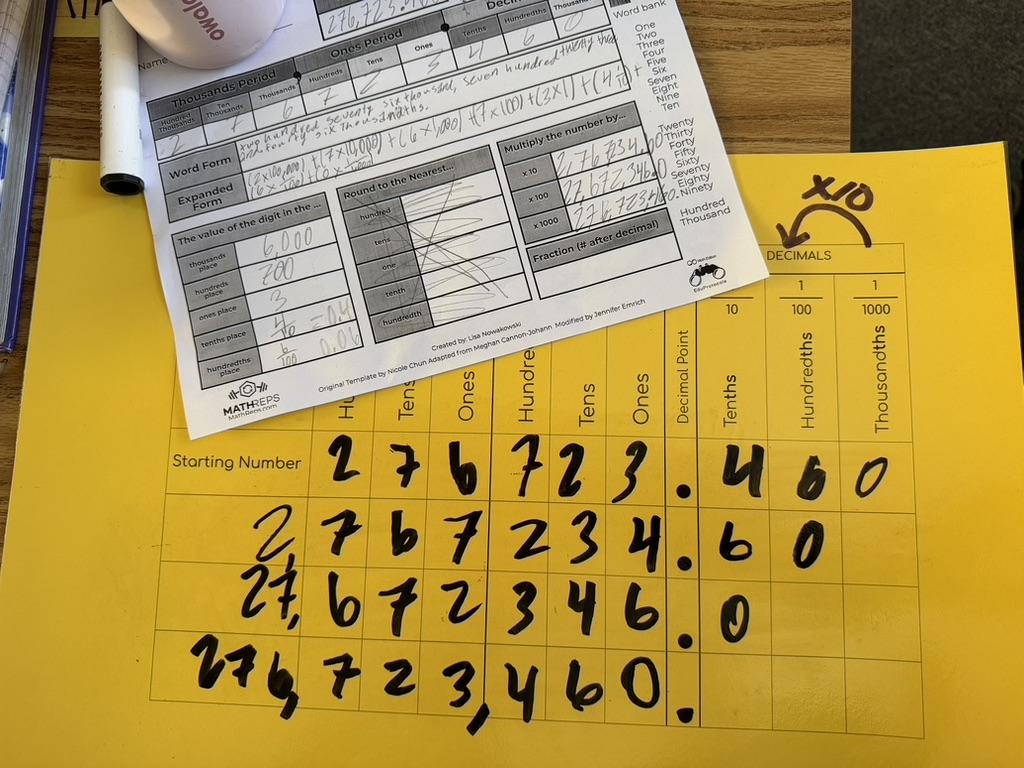
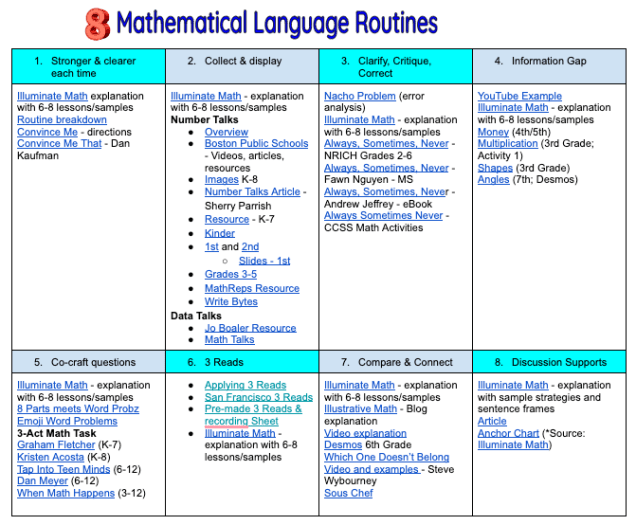
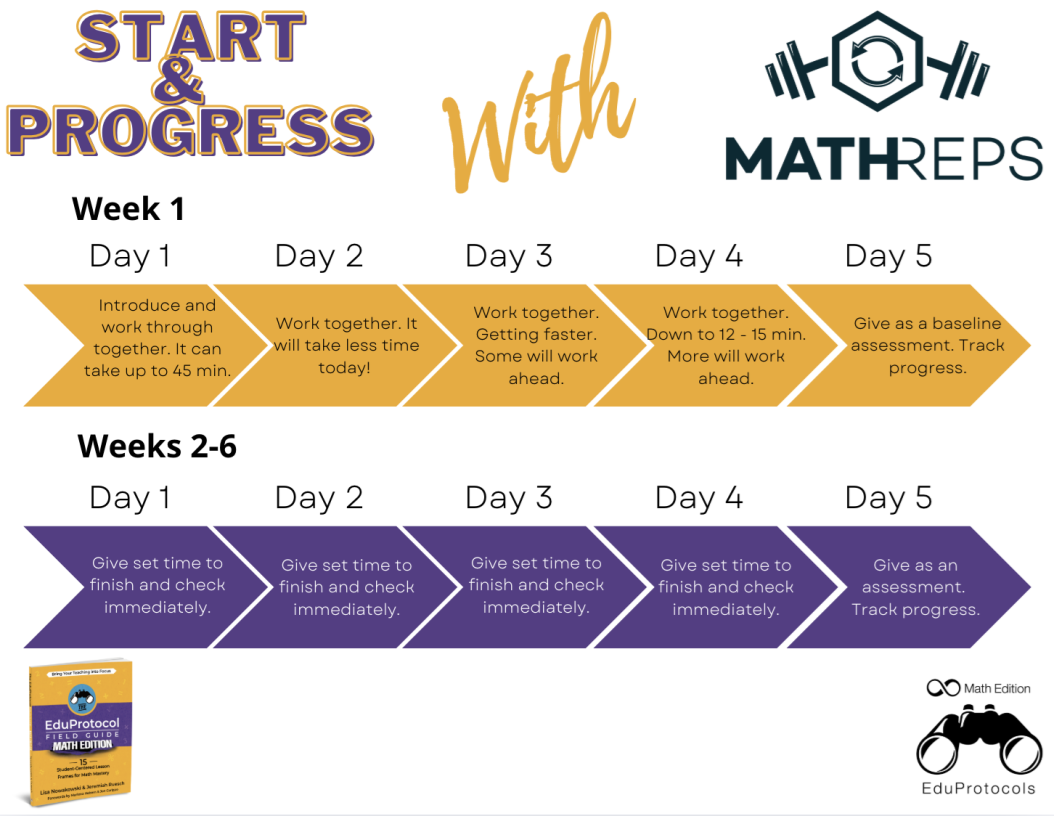
Building strong number sense in the primary grades is foundational to everything students encounter in their future mathematics journey. As instructional leaders and educators reflect on student data and classroom dynamics over time, it becomes clear how much our instructional tools and routines shape students’ deep understanding of numbers.
Looking back across our district’s journey, many of us have spent years navigating curriculum models that leaned heavily on structured, daily lesson pacing. Often, these programs moved quickly from introduction to procedural practice. While the intention was to maintain consistency across classrooms, an unintended gap formed: the crucial stage of concrete exploration was frequently bypassed.
The Value of the Concrete-Representational-Abstract (CRA) Sequence
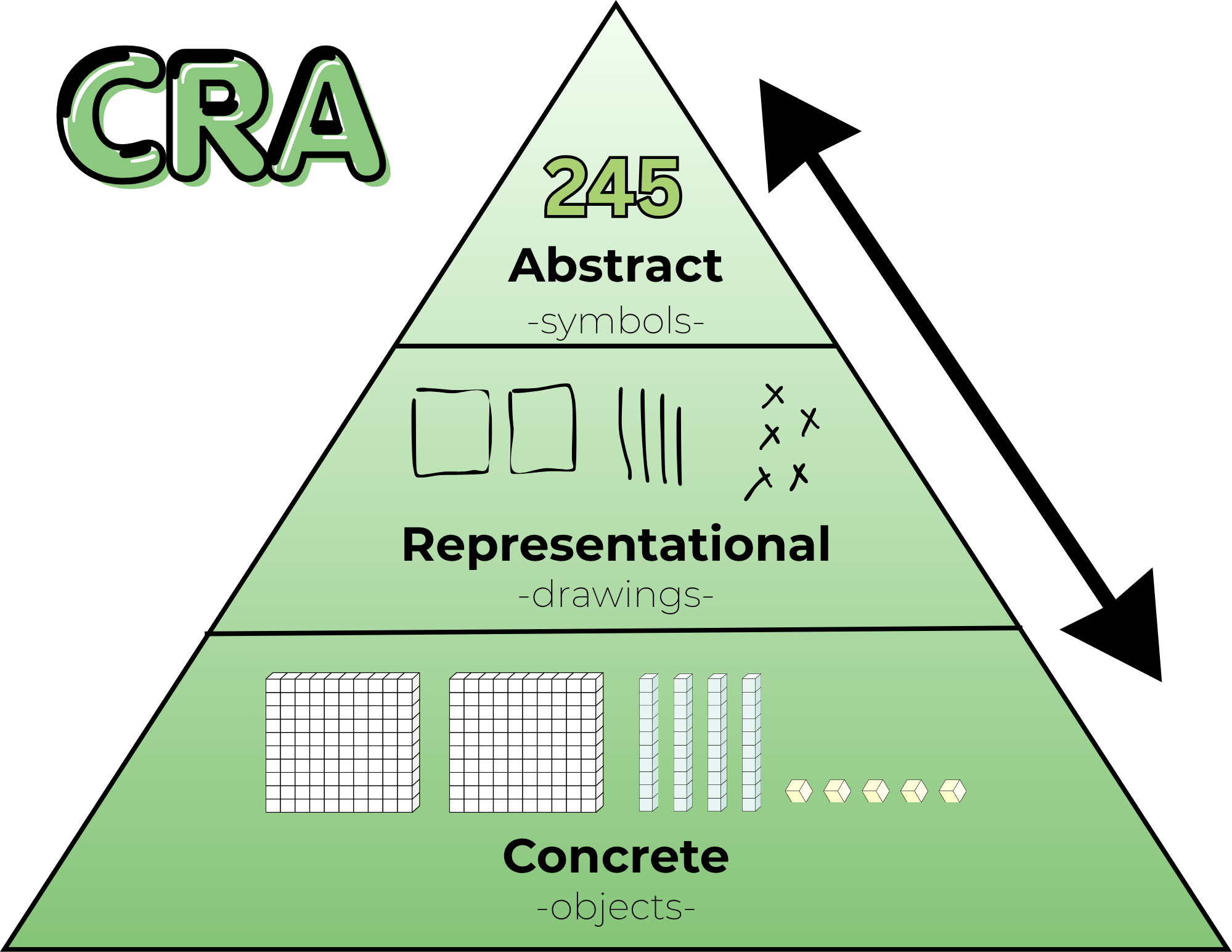
True conceptual understanding begins in the concrete stage, especially when students encounter a concept for the very first time. For instance, when third graders learn multiplication, physical manipulatives (or tactile tools like playdough) allows them to feel, arrange, and internalize the meaning of equal groups.
When a curriculum moves straight to representational pictures or abstract symbols, students miss the opportunity to ground abstract math in concrete reality. Over time, this gap shows up in upper-elementary classrooms as a lack of foundational number sense and automaticity with basic operations.
What Our Pilot Classrooms Are Teaching Us
As our district pilots two new math curricula this school year, the observations from our piloting teachers have been eye-opening and deeply validating, albeit troubling.
- The Power of Student Discourse: The new instructional models center heavily on student talk, exploring how students arrive at answers rather than just whether an answer is correct. Teachers are seeing firsthand how dialogue exposes gaps in basic skills while simultaneously giving students the language to rebuild those foundations.
- Identifying the Gaps Early:Piloting teachers have noted where students need targeted backfilling in basic addition, subtraction, multiplication, and division. Recognizing these missing pieces is the first step toward addressing them systematically.
- Re-Evaluating “Pacing and Fidelity”: The conversation around “curriculum fidelity” is evolving. I know we all cringe when someone says “fidelity to the curriculum”. Strict adherence to a textbook’s pacing can unintentionally prevent teachers from responding to what the students in front of them actually need. Meeting students where they are conceptually must always take precedence over covering the next page.
Looking Ahead with Optimism
It takes courage for a district and its educators to pause, reflect, and acknowledge when a long-standing tool is no longer serving its students.
While transitioning to a new adoption takes time, and many of our teachers are balancing current materials for one final year, the mindset shift is beginning. Teachers across our schools, whether currently piloting or not, recognize the need to strengthen core number sense and are taking proactive steps in their daily routines to support their learners.
Our goal isn’t to look back with regret, but to use these shared observations to inform a better path forward, one that honors concrete modeling, values student discourse, and empowers teachers to make the best instructional decisions for their students.
How is your district or school balancing curriculum requirements with hands-on conceptual learning? What strategies help you integrate concrete tools into daily instruction? Let’s keep the conversation going in the comments below!