Author: Admin
2 Year Journey
 I have been on an amazing journey over the last 2 years, educationally speaking of course. And the CUE Organization has had a large role in that. It began 2 years ago at my first CUE Conference. A friend, Pat, and I decided that we would like to attend Fall CUE in Napa, CA. First on our agenda was an all day Google Workshop. The workshop focused on passing the required tests in order to become Google Certified Trainers. It was also my first introduction to Alice Keeler and Danny Silva – Awesome Educational Heroes. To say that we were inspired, would be an understatement. At one point during the day, Pat and I looked at each other and vowed that that would be us one day (referring to Alice and Danny – Google Certified Teachers and AMAZING inspirations).
 So here I am 2 years later well on my way to inspiring others – hopefully. Since that first encounter, so much has happened. I try to make it to as many CUE events as possible. I signed up for the Innovative Educators Advanced Studies Certification (IEASC) classes – 1st Cohort, became a Google Certified Teacher, Google Certified Trainer, CUE RockStar presenter, CUEbie founder, and now I’m presenting at Fall CUE. I know things are just getting started, and I can’t wait to see where this road takes me.
 I am still inspired by Alice and Danny, but my inspirations also include over 900 people. For it was at Fall CUE 2011 that I began to see and understand the power of Twitter. I really began to focus on growing my Twitter PLN within the last year. I have met, virtually and in person, the most amazing, inspiring, and awesome educators. I have had the privilege to learn from and present with many of my ‘Educational Heroes’. As a result, my teaching has been reinvigorated. I am once again inspired to do amazing things in the classroom. As I prepare to present at Fall CUE 2013, I can only hope to be an inspiration to others.
SLOCUE Apps For Creating
Presented at SLOCUE Connects on Saturday, October 5, 2013
SLOCUE Math Web Tools
Presented at SLOCUE Connects on Saturday, October 5, 2013
Why Genius Hour
What is Genius Hour?
A fun, creative, messy, engaging, and active hour! This is a time for your students to research, learn, and construct what they are interested in. It’s an amazing time for all. Students are put in charge of their own learning experience for the hour. The teacher stands back and watches the students go! 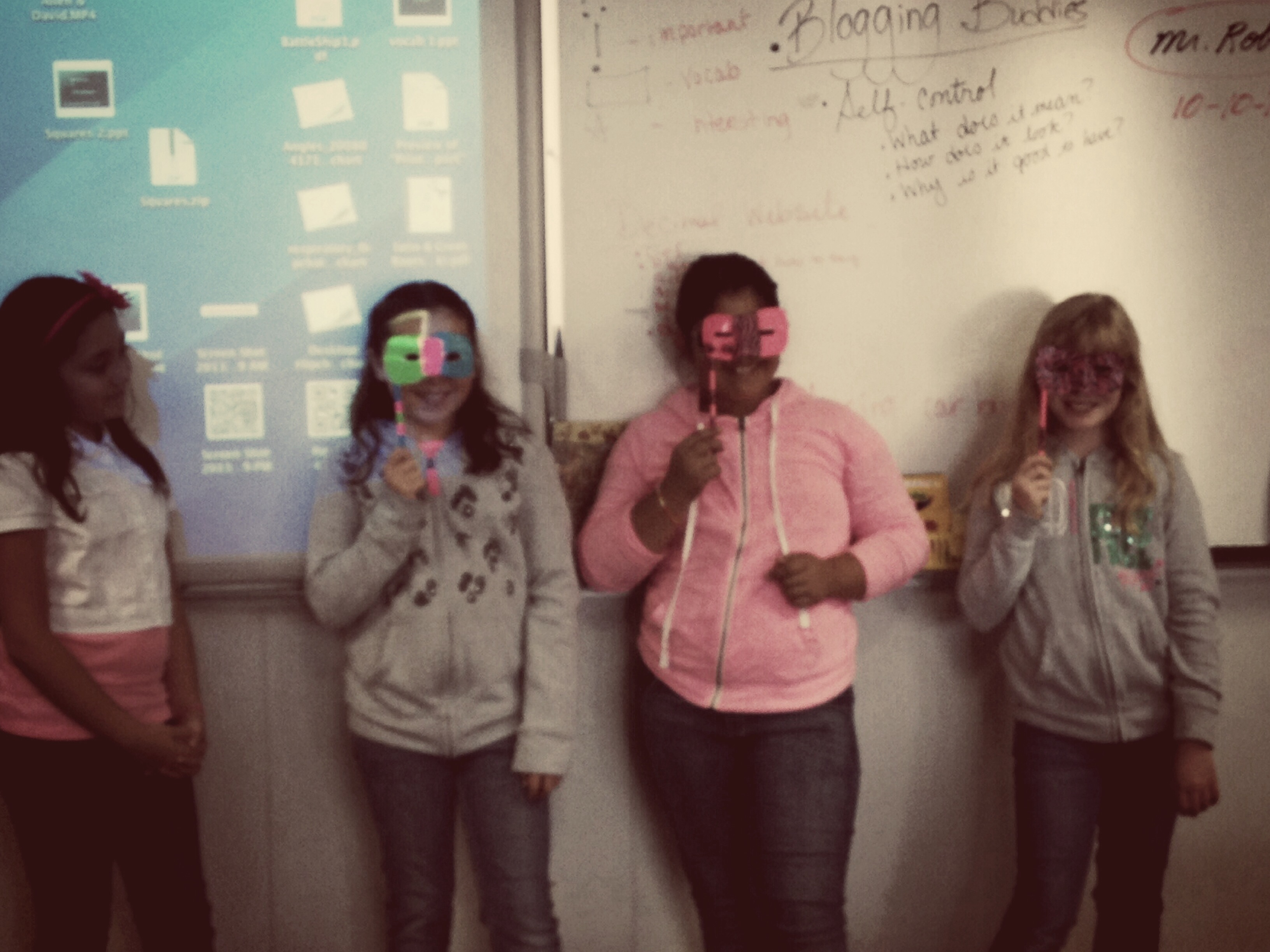 There are many resources to find out how to get started. Some are Kate Petty’s 20 Time In Education and Joy Kerr’s Blog.
Why I Chose to incorporate Genius Hour This Year
The shift to Common Core Standards invites creativity, freedom, and deeper thinking and understanding. I have long been an advocate of a student-centered classroom. Allowing students to discover and explore their passions is the epitome of a student-centered classroom. After reading about and attending conference sessions on the topic, I decided to give it a go. I shared my research and acquired knowledge with my principal, and he was on board. Once I understood what Genius Hour was, I realized that I had participated in this a few years ago – well, to some extent. 2 years ago, I showed my 3rd graders how to set up a Google Site. That year, I had 4 girls get together to create one site. They created bracelets, keychains, and necklaces. They sold their product at school and used their Website to promote their project. They took pictures, listed prices, and used a Google Form to take online orders. In the end, they raised $125 which they donated to St. Jude’s Children’s Hospital. After discovering that I had done Genius Hour before, I knew that I could do it, and that it would be successful. And I was right!
The First Few Weeks
The first week was more of an explanation of what Genius Hour is. We created a Google Doc and brainstormed things that we were interested in. We looked at DIY.org for additional ideas. We watched a few videos that focused on students participating in Genius Hour. They were excited! Then came the first week students participated in Genius Hour…To say that they were a bit lost would be an understatement. They wanted to participate, but just weren’t sure how to get started. Some knew what they wanted to learn. Student 25 knew he wanted to learn more about D-Day. He immediately began researching and creating a diorama. However, most students were at a loss. I walked around in order to help guide students. THAT was the first week. Since then, productivity has improved – greatly. I now have a group of boys who work together creating structures in MineCraft, students who create ‘forts’ out of cardboard boxes (although I suspect they enjoy going in the recycling dumpster more than the creating), and a miriad of duct tape projects. It’s messy, noisy, and my favorite part of the week! 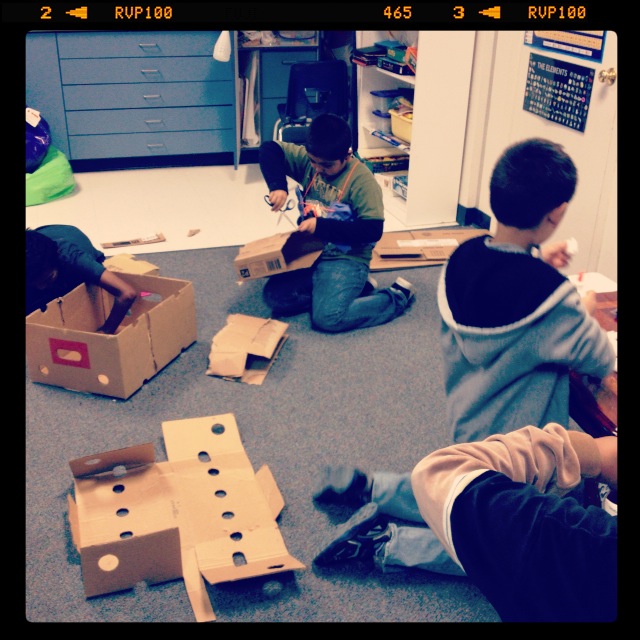
What Students Have To Say
One Friday before school, there was a small group of students in the classroom. They were hanging out and getting organized for the day. As they organized, one girl looked at another and asked, “What’s your favorite part of Fridays? Art or Genius Hour?” Without hesitation, the other girl answered, “Genius Hour.” The first girl agreed with her friend. Intrigued by this, I asked why. I asked not only because I was curious (and secretly thrilled), but because the girls that were discussing it love art. To my surprise, they said all the things that I had read: it allowed them to “Do what we want”. Yeah, I was thrilled
Final Thoughts
If you’re not sure you should (or want) to start this in your classroom, just do it! You will be amazed and what the students will do. Here’s a glimpse of what might happen. This video was a Genius Hour project one week. A few girls decided to create an Animoto video on Genius Hour.
Awesome Explanation
I LOVE math! I really do. To me it makes so much sense. So for years I have asked my students to explain how they arrived at a certain answer in math. I know, totally doing Common Core before my time. Anyway, I was impressed by the use of academic language and the ease in which this student was able to explain her reasoning. What was more impressive, is that she wrote down her explanation before verbalizing it.
Here is Brooke telling me why there are more zeros in the product of 500 x 8 than 400 x 8
And to add to the awesomeness that is Brooke, she is our class’ first Aurasma Aura! If you’re not familiar with Augmented Reality (AR) or Aurasma, check them out! We took a photo of her & then overlayed the video. So parents & staff can subscribe to our channel and view our Auras, which will soon be all over the school!
To subscribe:
- Download the Aurasma App on your smart phone
- On your mobile device go to: http://auras.ma/s/CuG9o
Pretty easy, and a great way to show off student work!
Move Shared File/Folder
So someone has shared a File or Folder with you on Google. And say you want to organize said File or Folder into your Drive. Well, that’s easy. Watch this short video to find out how.
Copy File
This is a quick video to show how to copy a file, in Google Drive. This comes in handy when the file is ‘View Only’.
Class Rules
Well, today was Day 2 (178 more to go). Yesterday we began writing down our class rules. I began typing them into Google Docs and in the end shared the document with all the students. One rule the students came up with was No Hats In The Class. Now normally, I’m not too fussy if students wear hats in the class, so I was good with whatever they wanted to do. This one rule lead to a rather lengthy discussion.
This morning the students came in and were eager, yes eager, to begin working. Their first assignment was to COLLABORATE and edit the Class Rules document. I showed them how to insert comments. That’s all it took!

So while the conversation lacked any real depth, it was a great beginning. Hidden within the 20 comments were suggestions for your messy hair (get water and tame it). The deeper message most certainly got across; work together, collaborate, create (they changed the colors, fonts, and words) and communicate. I’d say this is a great way to begin the school year.
First Day
So normally a person wouldn’t pair Angry Birds, a sign that reads F.A.I.L (First Attempt in Learning), and school philosophy in a lesson to 5th graders; let alone 5th graders on the 1st day of school. But I did, and I’d say that I’m pretty darn brilliant.
F irst
A ttempt
I n
L earning
Today was the first day of school, and needless to say I was excited. We have common core, I have great technology, a huge imagination, and students that I had a few years ago when I taught 3rd grade. So what’s not to be excited about. For me, today began at 4 a.m. Not by choice, trust me I hate mornings. But today was no ordinary morning. So as I lay there in bed counting sheep, my A.D.D. mind wondered off into lesson planning mode. Don’t ask, just go with it. And that’s when my brilliant plan was hatched. I have listened, and agreed, to Alice Keeler go on about gamification. She often points out that we will try over and over again, learning from our mistakes, in order to make it to the next level of a game we are playing. And if you are on Facebook you can probably relate if you play Candy Crush. So why shouldn’t schools be the same way?
I have always told my students that we learn from our mistakes. But I really feel that this year I will be able to hit a home run with that message. I normally repeat that message throughout the year, but it wasn’t until recently that I realized that that message fell on deaf ears. I never related it to them, until today.
Today I introduced F.A.I.L. and explained it. They weren’t convinced. So I went on and turned on the Interactive white board and fired up Angry Birds. THAT got their attention! So I began playing, and messed up horribly on the first try. I asked them what I should do. Of course they had all sorts of suggestions. So as I began to try again, I pointed out how I wasn’t going to have the bird take the same path. I would adjust it based on what happened the first time. The second bird wasn’t much better, too far in the opposite direction. That’s when I hit them with the heavy stuff! I asked if I should give up. They were emphatic that I keep going. I then related it to school. Ah-Ha! Some light bulbs started going off. So we continued to play. They came up and took turns, shouting advice. When we finally cleared the level, we received 2 (out of 3) stars. One student said, “Let’s do it again and try to get 3 stars.” I couldn’t have asked for a better segue. So I pounced on that one too! I asked them if they took the same approach with school. I’m sure you can guess what the answer was. And from there we talked about the reasons why they gave up so easily in school and not games.
I truly feel that this is going to be a transformational year for all of us. In fact, from this lesson/discussion we have already started to rethink how we are going to view work. The first order of business is to look at how we track the number of pages they are required to read in class weekly. We have decided that there will be a minimum that will grant each reader 1 star, from there we will step it up for 2 and 3 stars. Not sure how it’s all going to work, but we’ll figure it out together. We’ll keep you posted!
I’d say that we’re off to a GREAT start!

