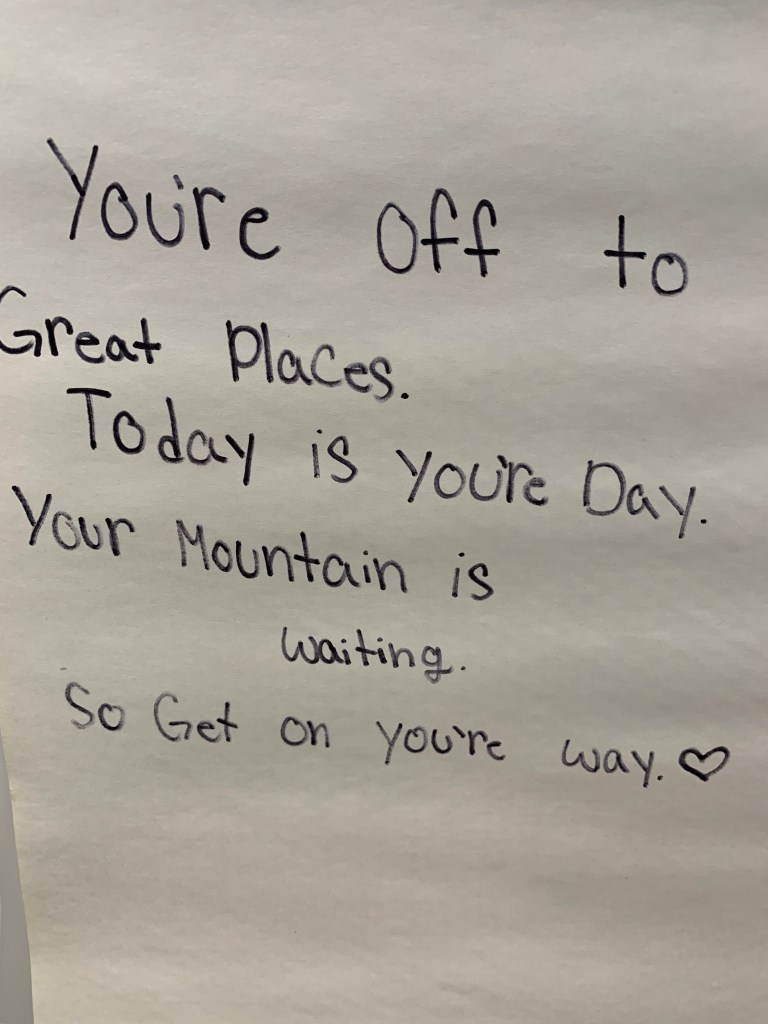
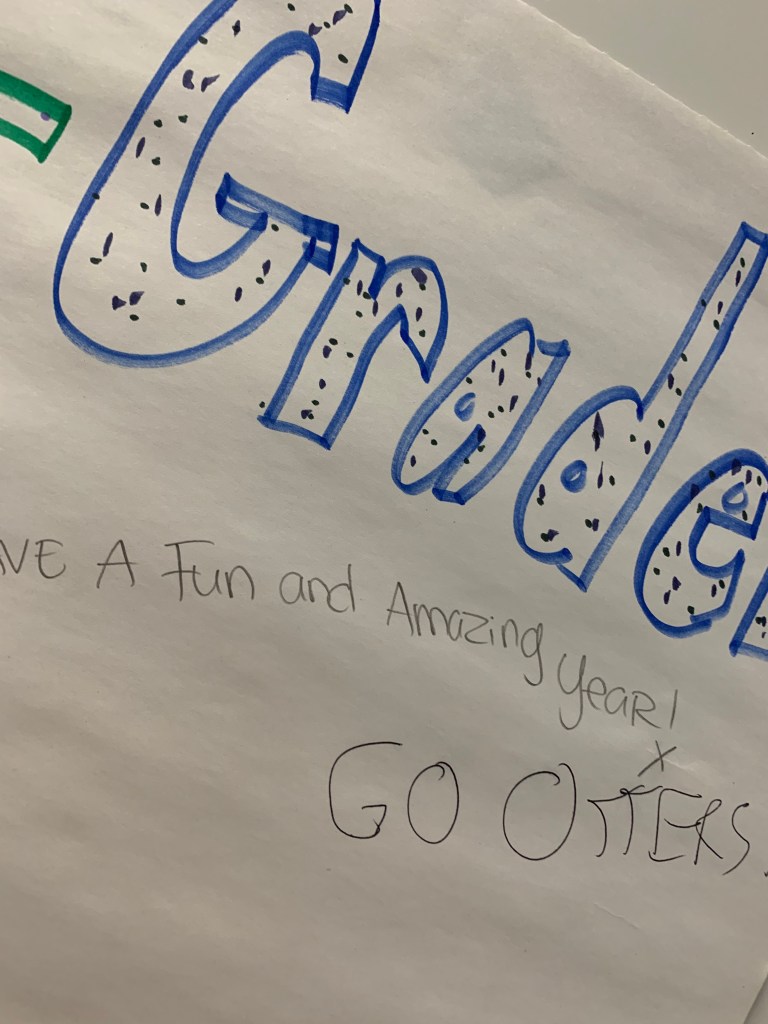
Back in 2019, I was blown away by the incredible energy and enthusiasm that filled the air during Back to School Night! The atmosphere was simply electric as students eagerly walked around their new room. Their grown-ups also had a job to do: write messages to the students. The results were fantastic and I couldn’t help but be captivated by the sheer brilliance and boundless positivity that jumped off the poster. These messages were like shimmering gems, glistening with love and inspiration, ready to guide and uplift the students throughout their entire journey. It was an absolute adrenaline rush of joy and motivation, leaving everyone buzzing with excitement for the amazing year ahead! If you want to relive that thrilling and heartwarming moment, head over to this link to read more about it!
What began as a humble idea in my classroom, born from a fleeting moment of inspiration in 2019, has blossomed into something truly remarkable. The joy that this concept brings has now spread far beyond the walls of my own classroom, reaching other classes, schools, districts, and even states. The impact of this simple idea has been truly astounding.
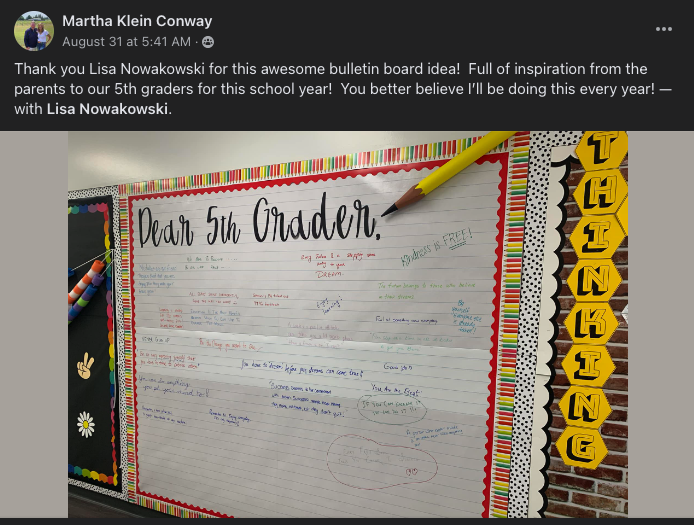
Allow me to share with you one particularly heartwarming story that exemplifies the reach and power of this concept. Martha Klein Conway, a dedicated educator and member of the EduProtocols Community Facebook Group, decided to implement this activity for the parents of her 5th-grade students. Recognizing the profound impact it could have on fostering a sense of connection and engagement, she eagerly created a space to share messages. The response from both parents and students was overwhelmingly positive, and it served as a testament to the transformative power of this idea.








 That is not to say that the process wasn’t without its pitfalls. First of all, one of my darlings kept selecting the > on the top of the Jamboard which, at one point, created 28 jams. Secondly, all uploaded images upload in the center of the jam. Fortunately, I was demonstrating when a student uploaded hers on the same jam as I was on. This allowed us to stop and see what happens. Great learning opportunity! That happy happenstance helped students to be respectful when uploading.
 I use Google Forms to collect adjectives from students. The students don’t know why I’m doing it. I ask for three adjectives to describe their classmates. We brainstorm a list of positive qualities that could be used to describe someone. I do 3 students at a time. Any more than that and the students start to repeat themselves and it’s less personal. I take the adjectives, check spelling, and place them in a word cloud generator. I use
  Nowa Techie