I’ve been diving into the world of videos lately, and it’s exhilarating to see the endless array of tutorials available at our fingertips. To contribute my own unique perspective, I’m launching TWO engaging series that I can’t wait to share with you. The first will unveil practical tips and tricks for using Google Tools effectively—because there’s always something new to discover! The second series will delve into math strategies tailored for both students and teachers, exploring everything MathReps has to offer. Get ready to enhance your skills and insights!

I’m not sure when these will launch, but know for certain that they will be showcased here. The first Google tool I will be looking at is Slides. I plan to look at different components and dig into them. The goal is to keep the videos quick and engaging. Personally, I hate watching longer videos for the one piece of information I am looking for. I feel that by creating several Quick Tips, viewers can learn what they need to, quickly. As you can see from the image here, I’ll be covering Word Art in one of the first episodes.
The series based on MathReps will contain information on MathReps, Math Eduprotocols, and other math strategies. Like the previously mentioned series, the videos will be bite-sized nuggets for viewers. I’m unsure when I’m starting that series, but I am just as excited to get it going. I have several thoughts: looking at MathReps and how to implement them, teacher tutorials on different math strategies we teach students and other helpful math tidbits.
- For Google Tools Series:
- What’s one feature in Google Slides you’d love to master or learn a quick tip about?
- Do you have a favorite Google Tool that you’d like to see covered in future posts or videos?
- For Math Strategies and MathReps:
- Have you ever used MathReps in your teaching or learning? What’s been your experience?
- What’s your go-to math activity that engages students most effectively?
- For Both Series:
- Which series are you more excited for—the Google Tools or the MathReps and Strategies? Why
- Is there a specific topic you’d like to see covered in either of these series? Share it here, and I’ll consider adding it!
- Do you have any tips or shortcuts for Google Slides or math strategies that you’d like to share with others?


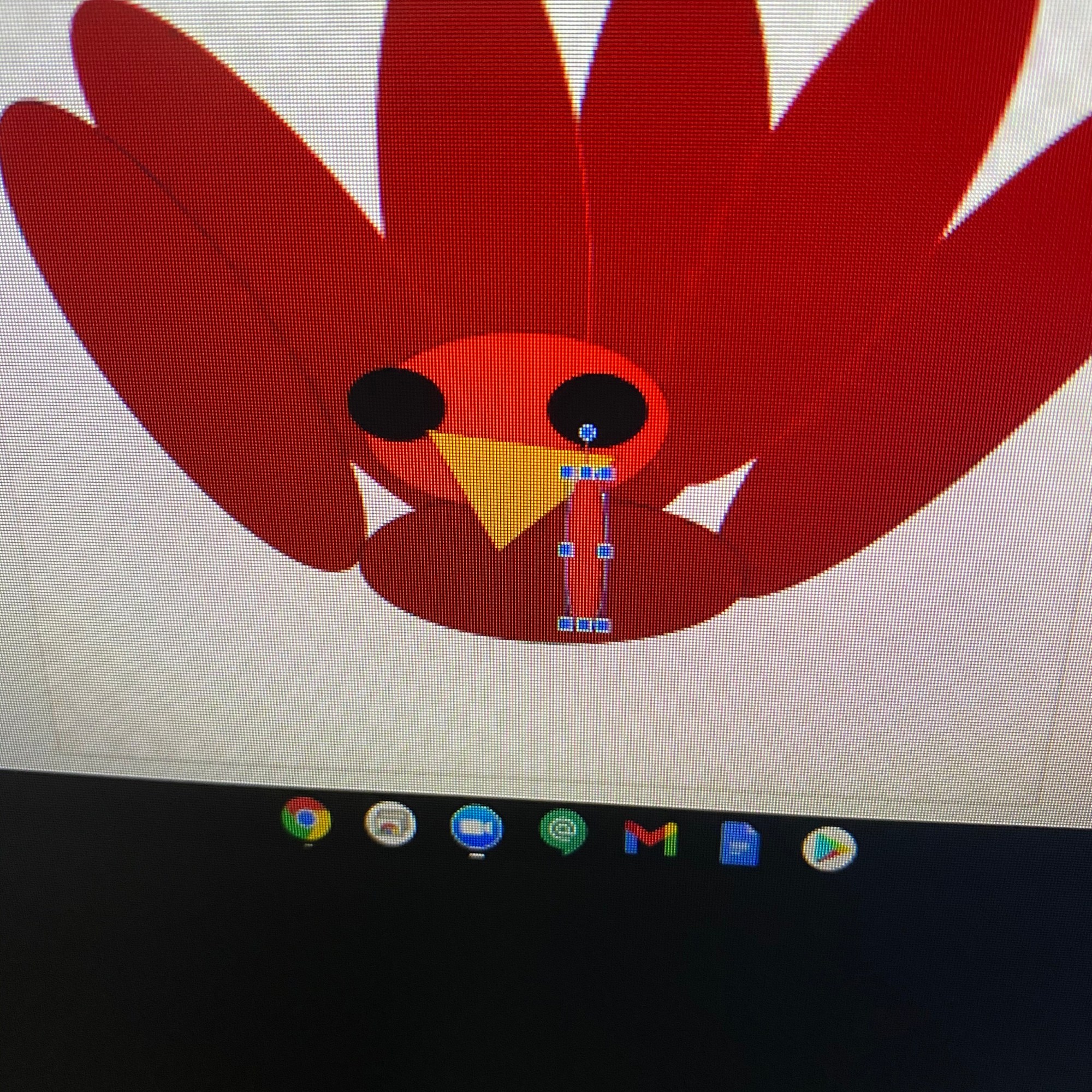


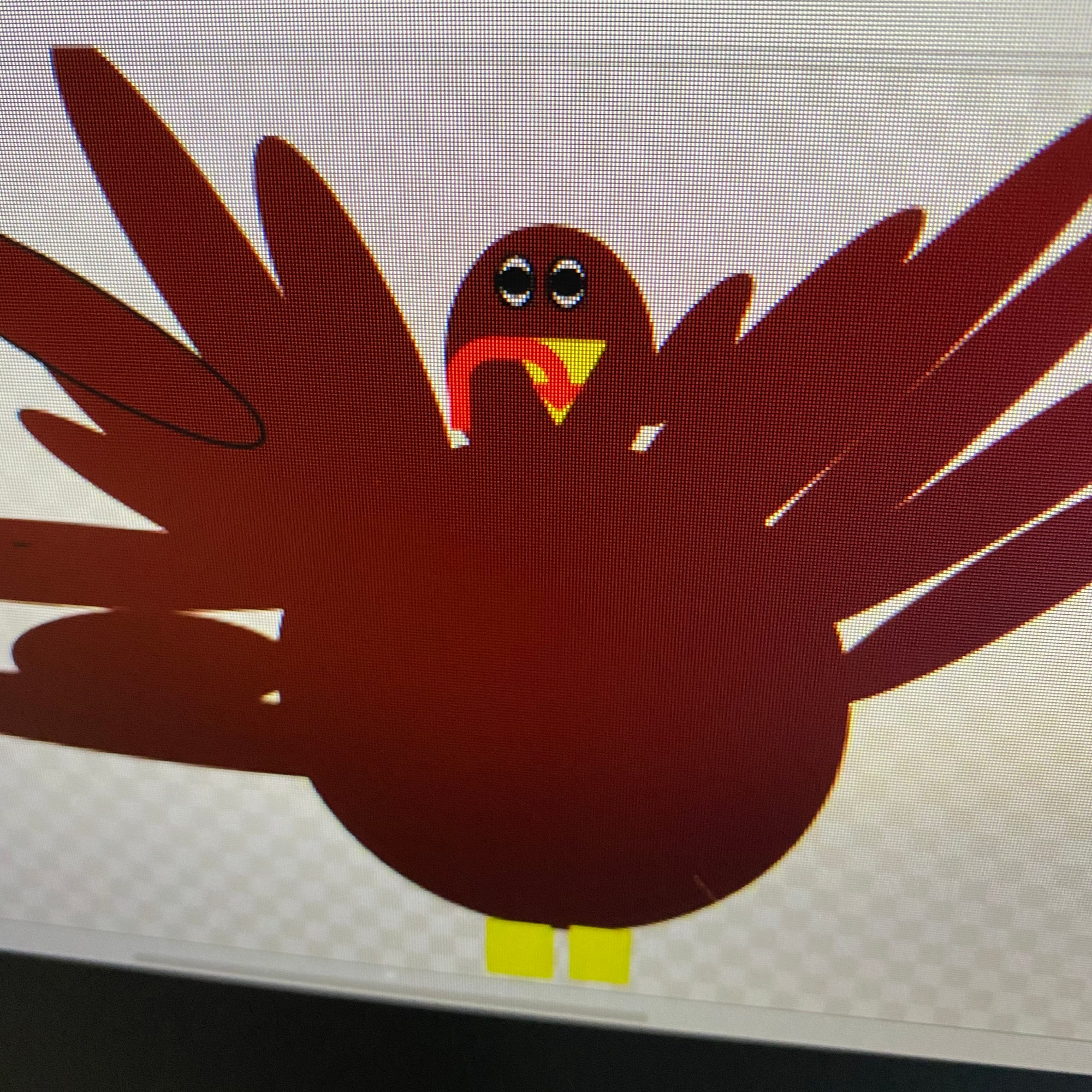






 That is not to say that the process wasn’t without its pitfalls. First of all, one of my darlings kept selecting the > on the top of the Jamboard which, at one point, created 28 jams. Secondly, all uploaded images upload in the center of the jam. Fortunately, I was demonstrating when a student uploaded hers on the same jam as I was on. This allowed us to stop and see what happens. Great learning opportunity! That happy happenstance helped students to be respectful when uploading.


 A while back Google came out with an App for us to ‘scan’ our photos – PhotoScan (
 To scan this photo, it took me less than a minute. I have some abilities to turn the glare on and off, rotate the image, and adjust corners.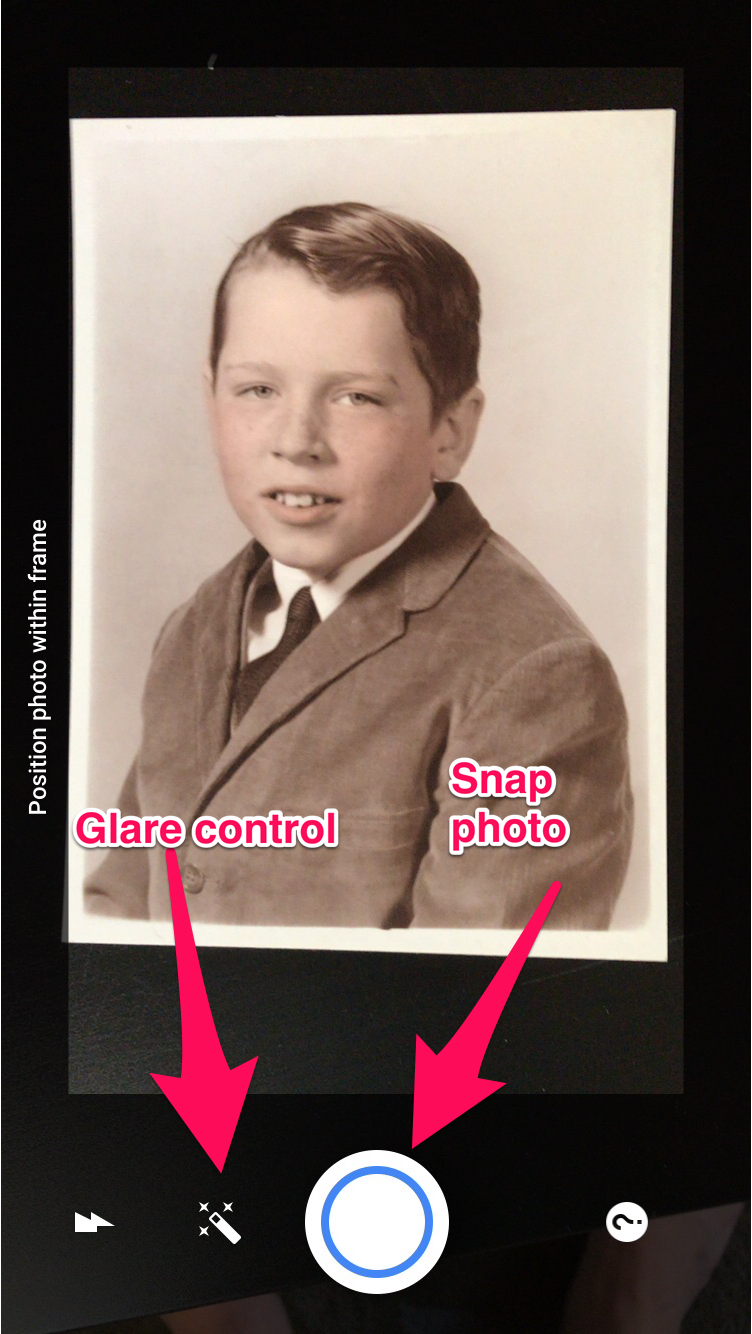








 Nowa Techie