It’s no secret my new love is Jamboard. I began exploring it a little over a year ago. I liked some of the features: ease of writing, collaboration, and simplicity. I did NOT love some of the features: no revision history, inability to lock background, and some other annoyances. Yet, it became one of my favorite Google Tools.
Within the last four months, Google has been quietly updating Jamboard. First came the text and shapes features. Then came the ability for creators to lock a background. Recently, I discovered that a keyboard shortcut allows you to view the revision history. PC – Alt Ctrl Shift H; Mac – ALT Command Shift H
With all these updates, teachers are using Jamboard more and more. Last week I was able to work in a 1st-grade classroom and introduce Jamboard and MathReps to the students and teacher. We used a MathReps that the students could feel success. This way, if the tool was too much for them, they could at least follow along. Well, the tool was NOT too much for them. It does help that our students have touchscreen Chromebooks to use during distance learning (and yes, when we eventually resume in class instruction). The students had fun, the teacher learned about a few new tools, and everyone left feeling successful. Some students started pressing buttons (this is a good thing) and discovered the shapes tool!
Check out their work:


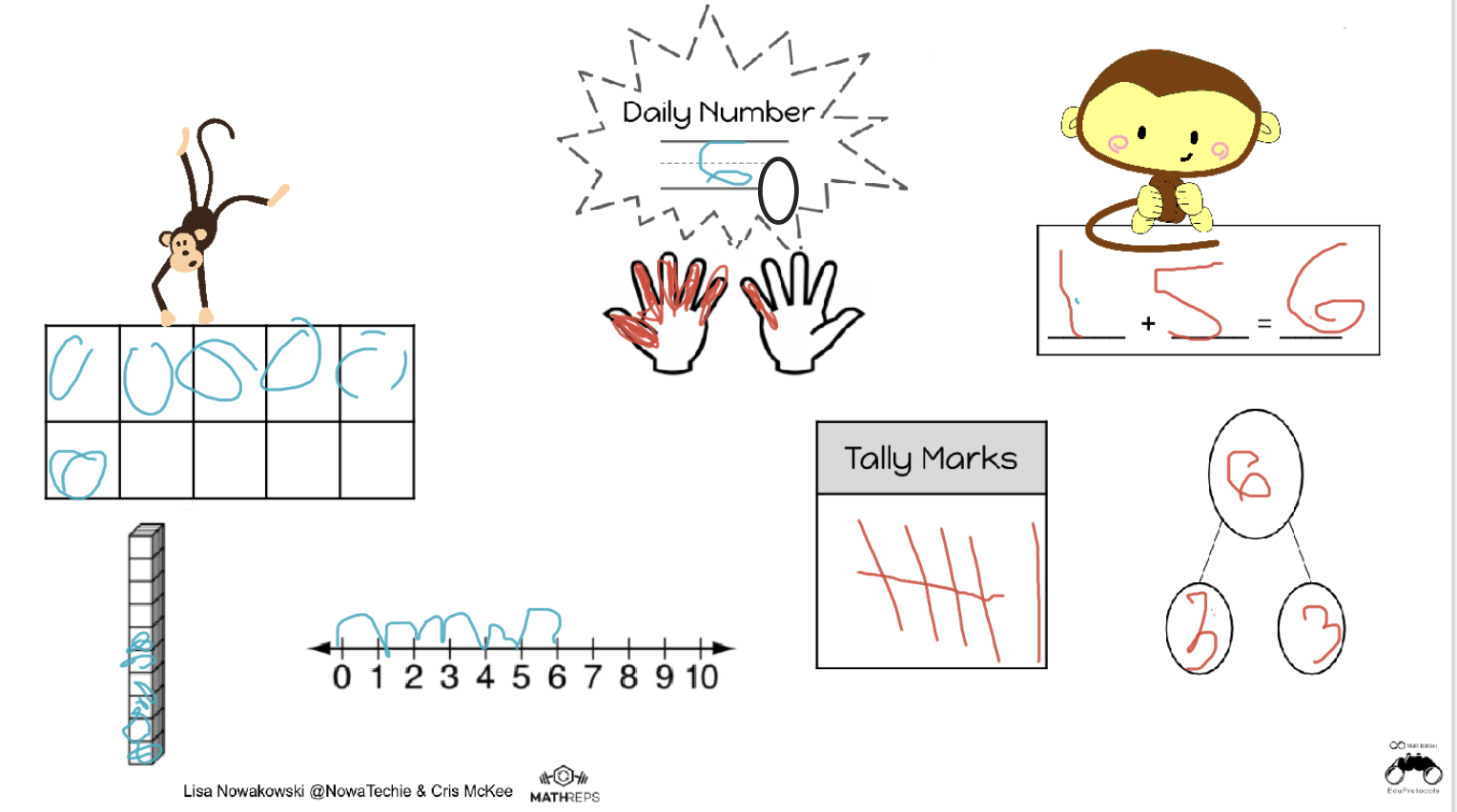


 That is not to say that the process wasn’t without its pitfalls. First of all, one of my darlings kept selecting the > on the top of the Jamboard which, at one point, created 28 jams. Secondly, all uploaded images upload in the center of the jam. Fortunately, I was demonstrating when a student uploaded hers on the same jam as I was on. This allowed us to stop and see what happens. Great learning opportunity! That happy happenstance helped students to be respectful when uploading.
 Nowa Techie